4. Installing the AMS Software
Open the folder:
F:\cco\AMSETUP\AMS_Konfig_V2.3.92_Service
or a higher version, and copy the files to the computer.
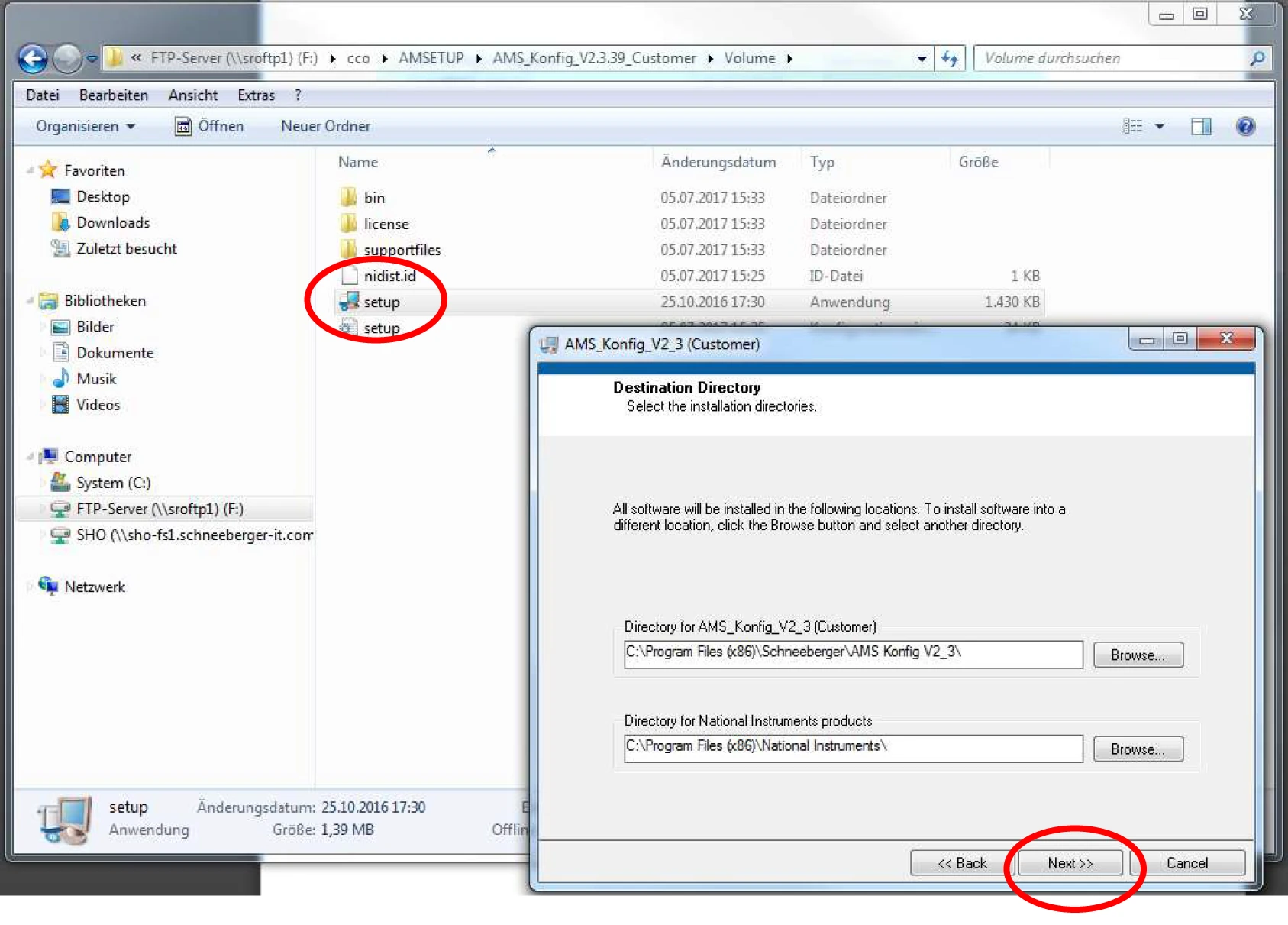
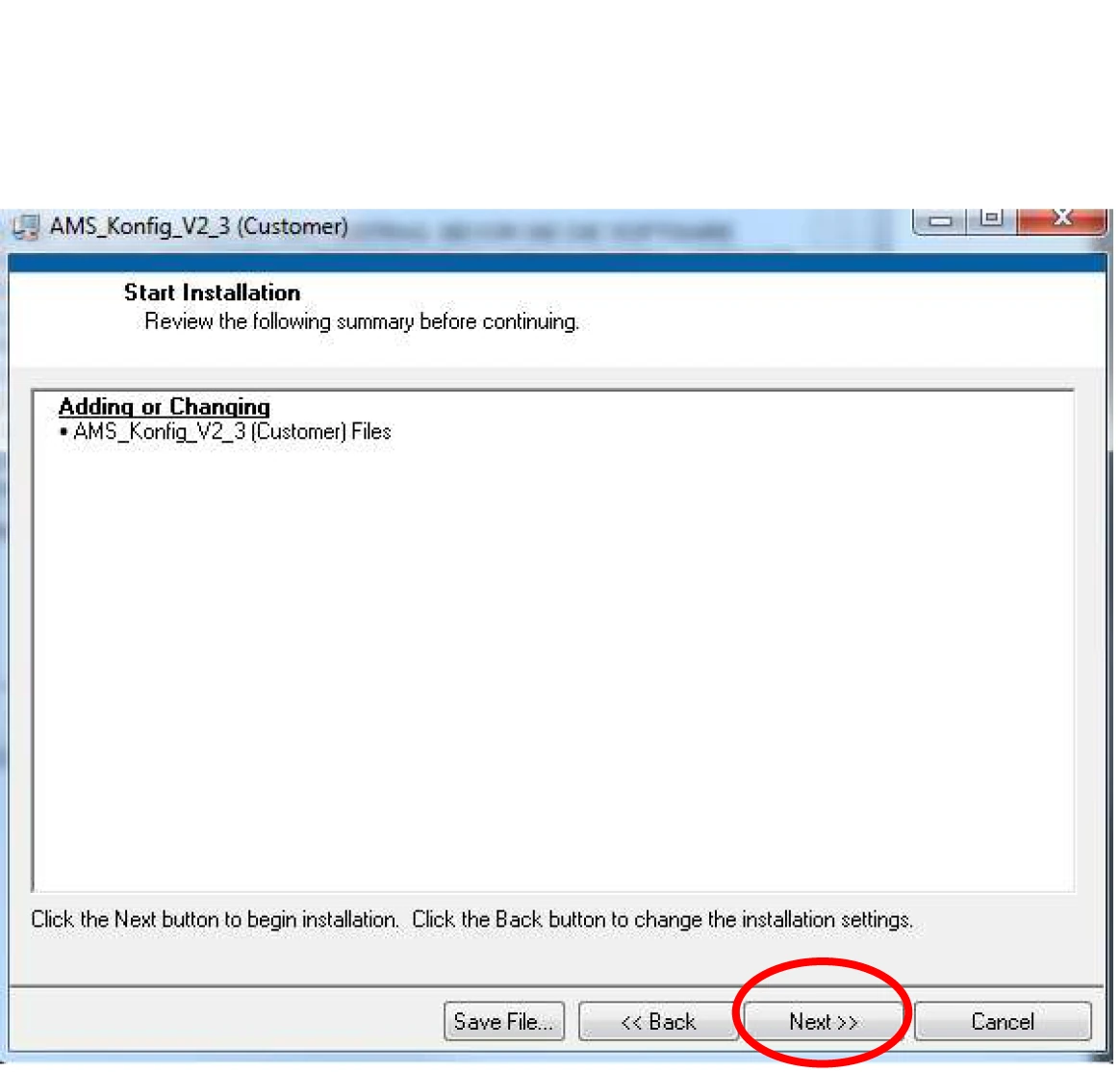
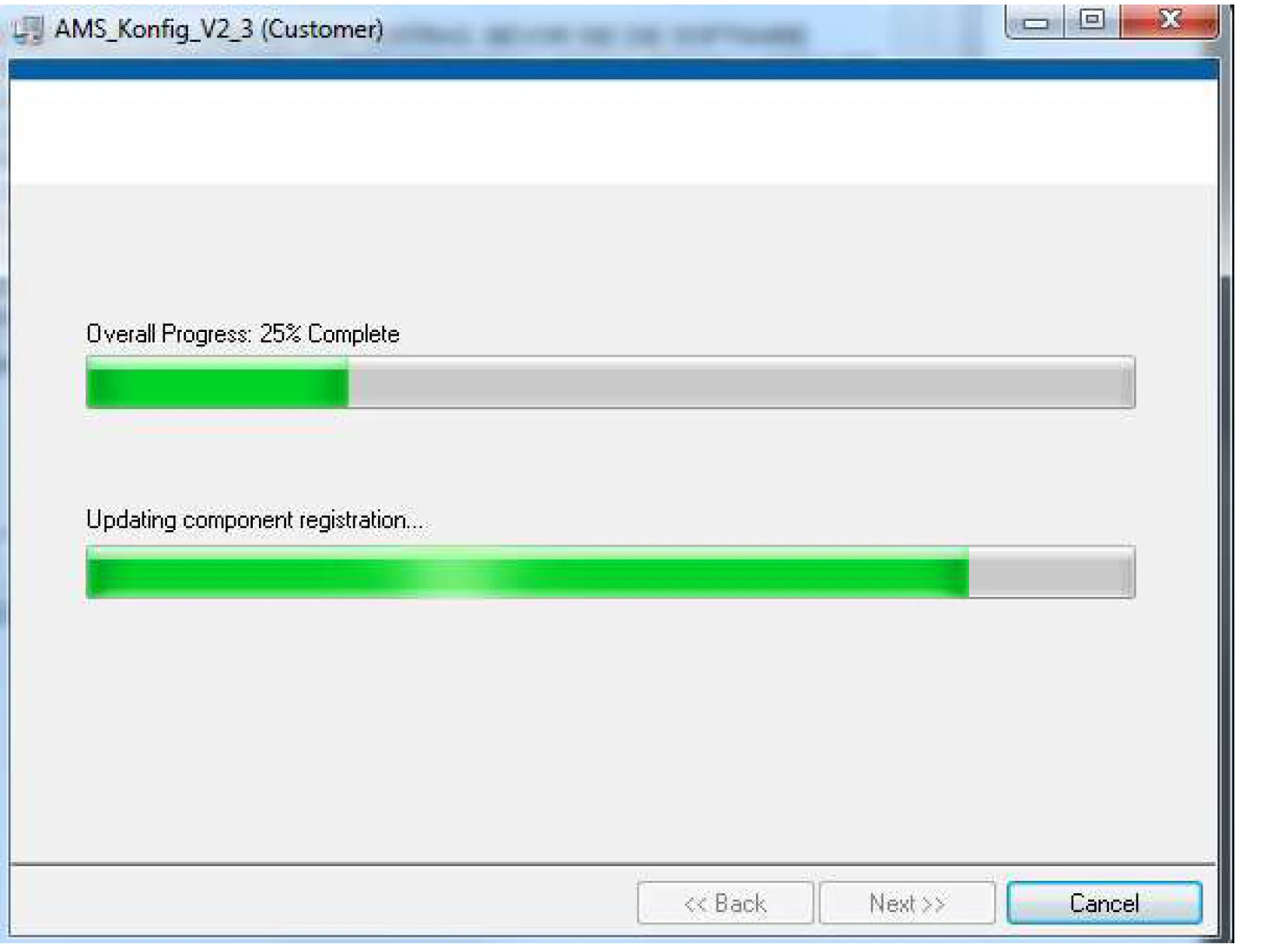
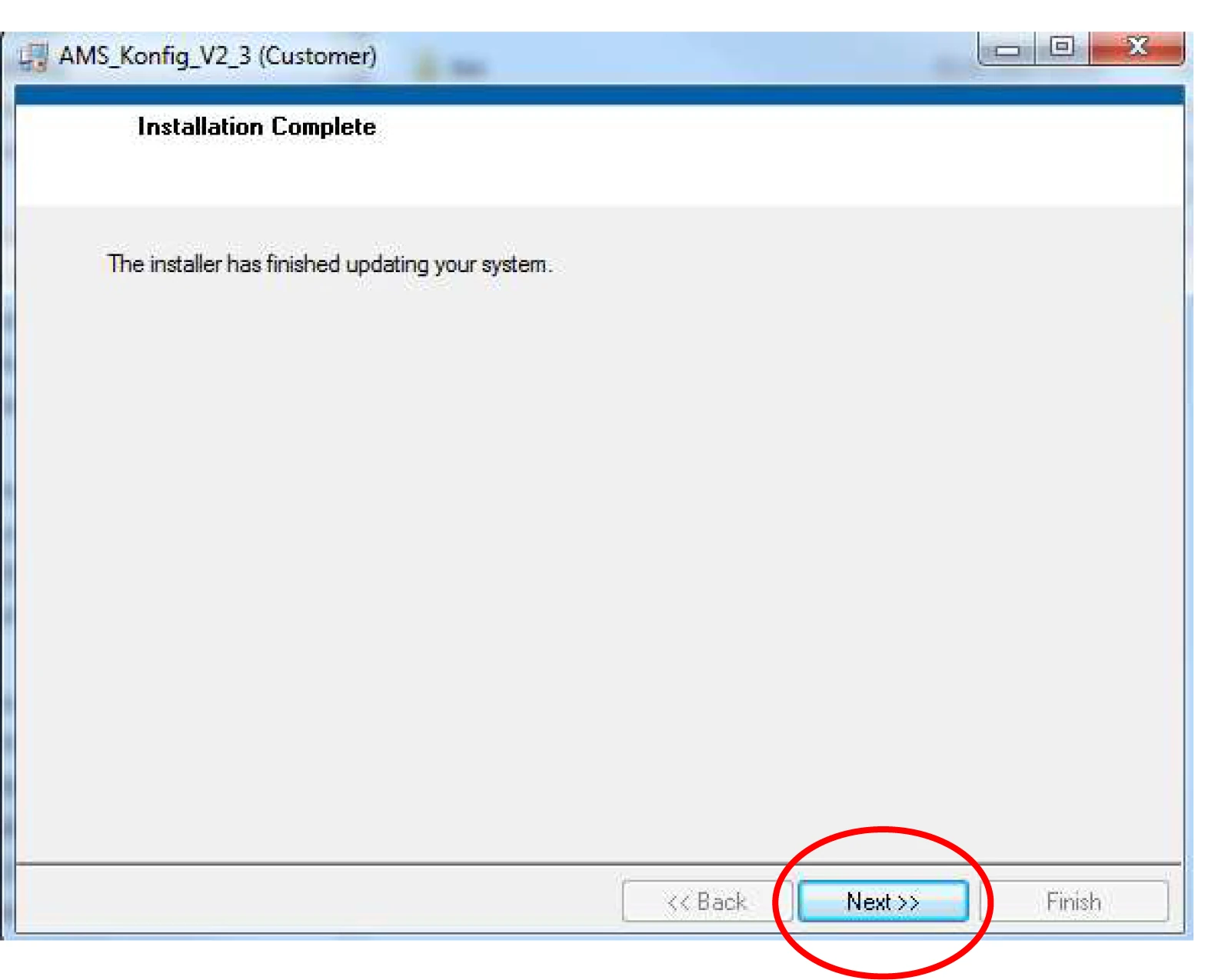
Run setup.exe to start the program installation.
4.1 Active Perl Installation
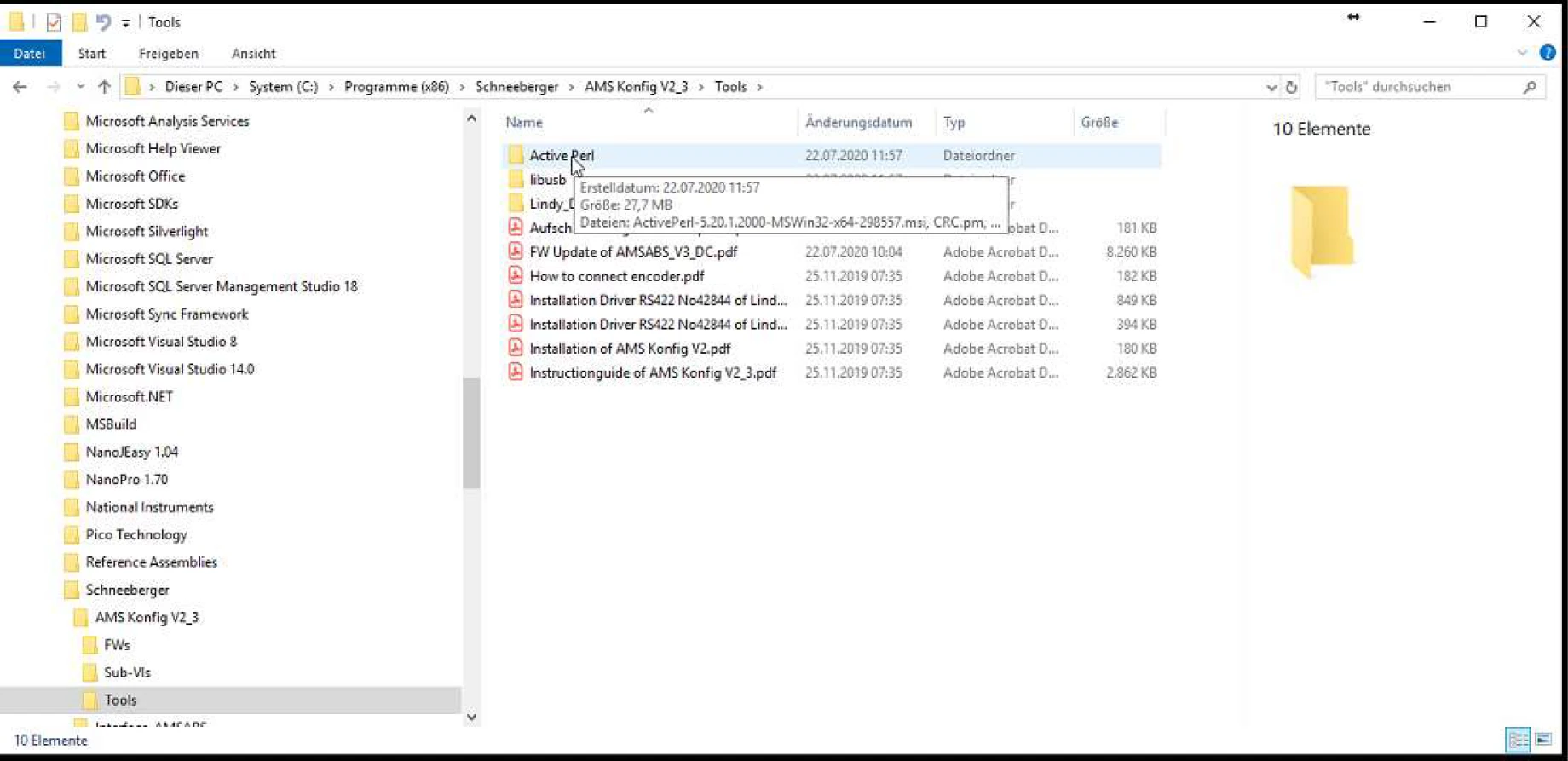
The installation file is located at:
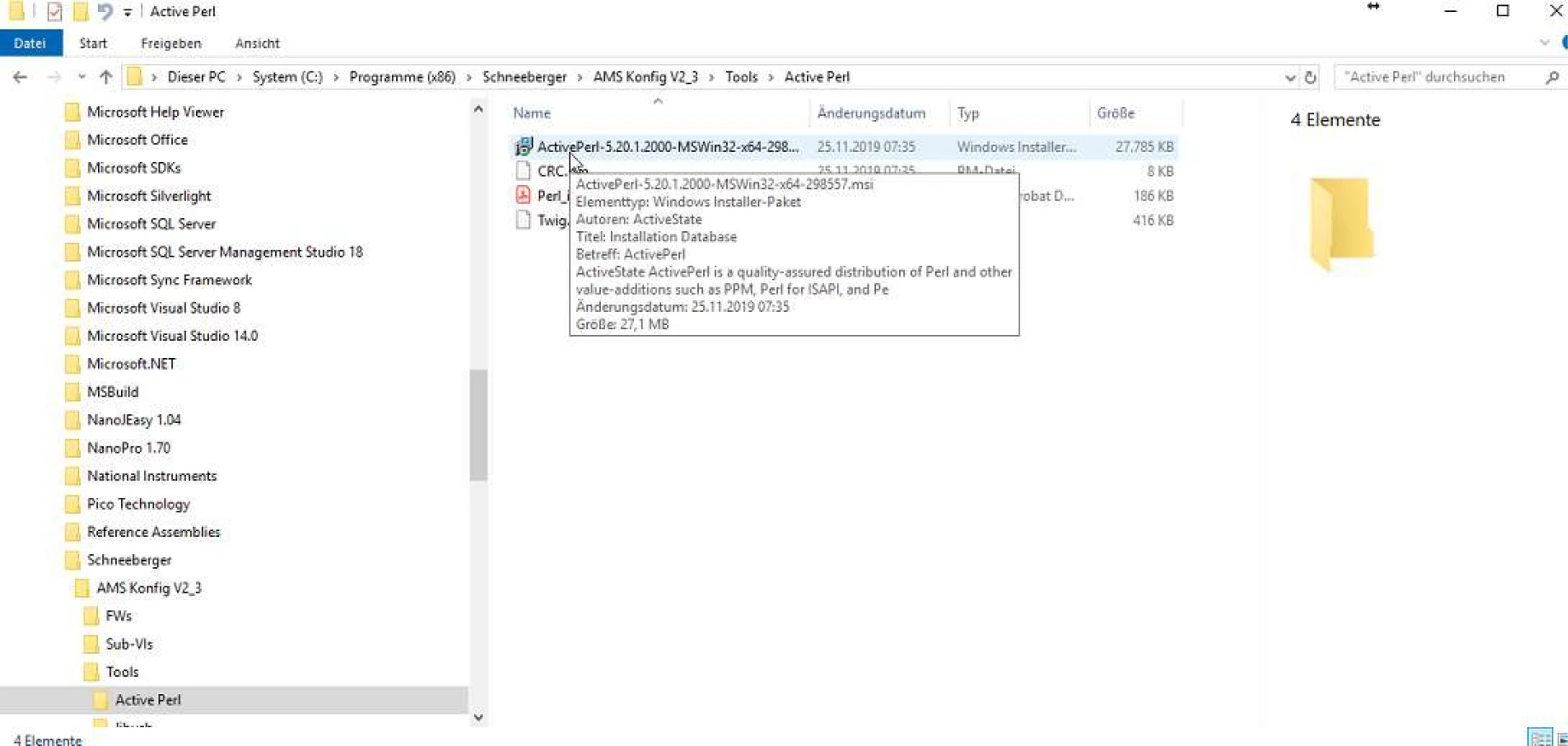
C:\Program Files (x86)\Schneeberger\AMS Konfig V2_3\Tools\Active Perl
File name: ActivePerl-5.20.1.2000-MSWin32-x64-298557
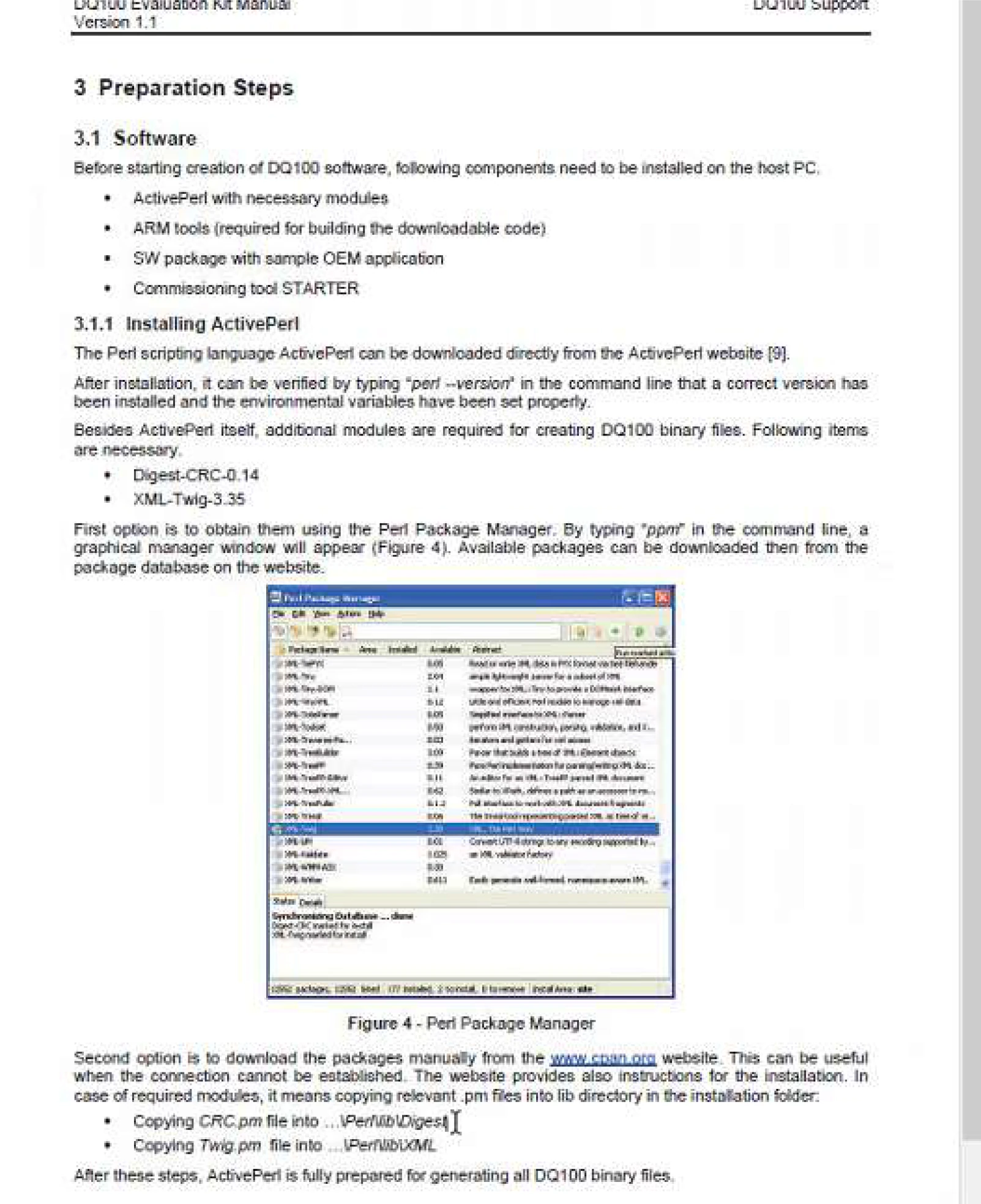
After installation, copy the following files to the specified locations:
| File | Destination Path |
|---|---|
| CRC.pm | C:\Perl64\lib\Digest |
| Twig.pm | C:\Perl64\lib\XML |

Verify Installation
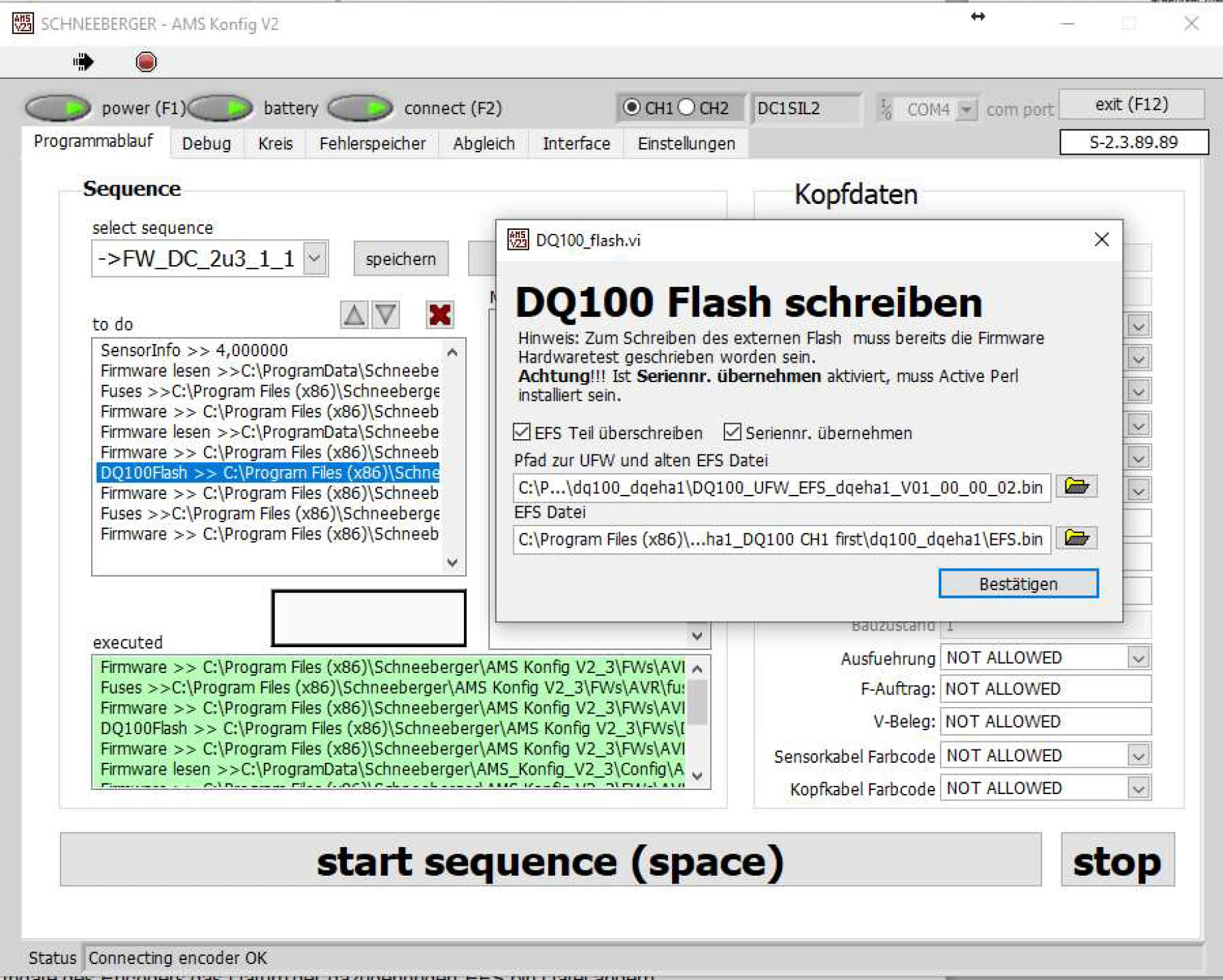
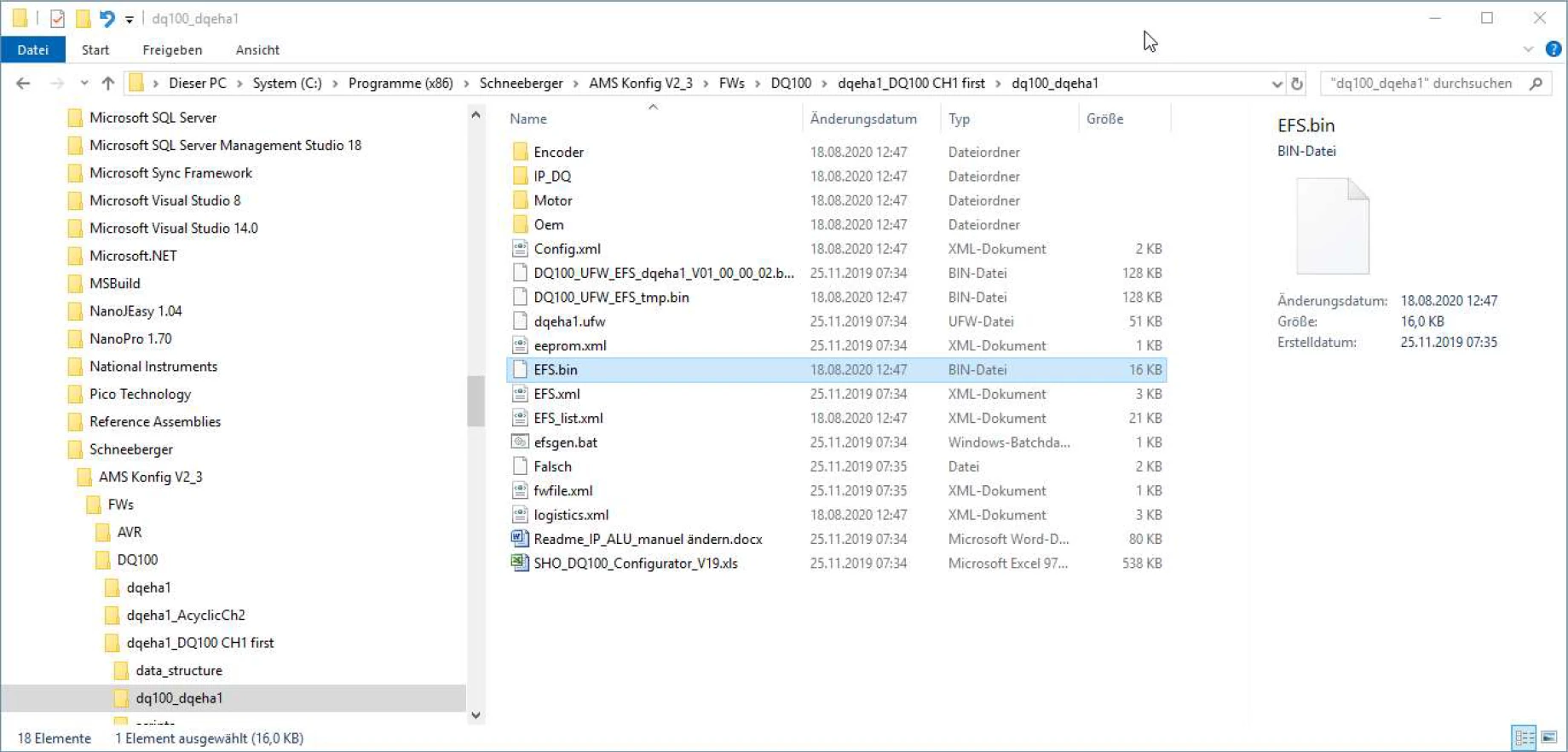
After installation, the date of the EFS.bin file must be verified (depends on the selected update content).
Example path:
C:\Program Files (x86)\Schneeberger\AMS Konfig V2_3\FWs\DQ100\dqeha1_DQ100 CH1 first\dq100_dqeha1
4.2 AVRISP Installation
Follow these steps to install the AVRISP driver:
-
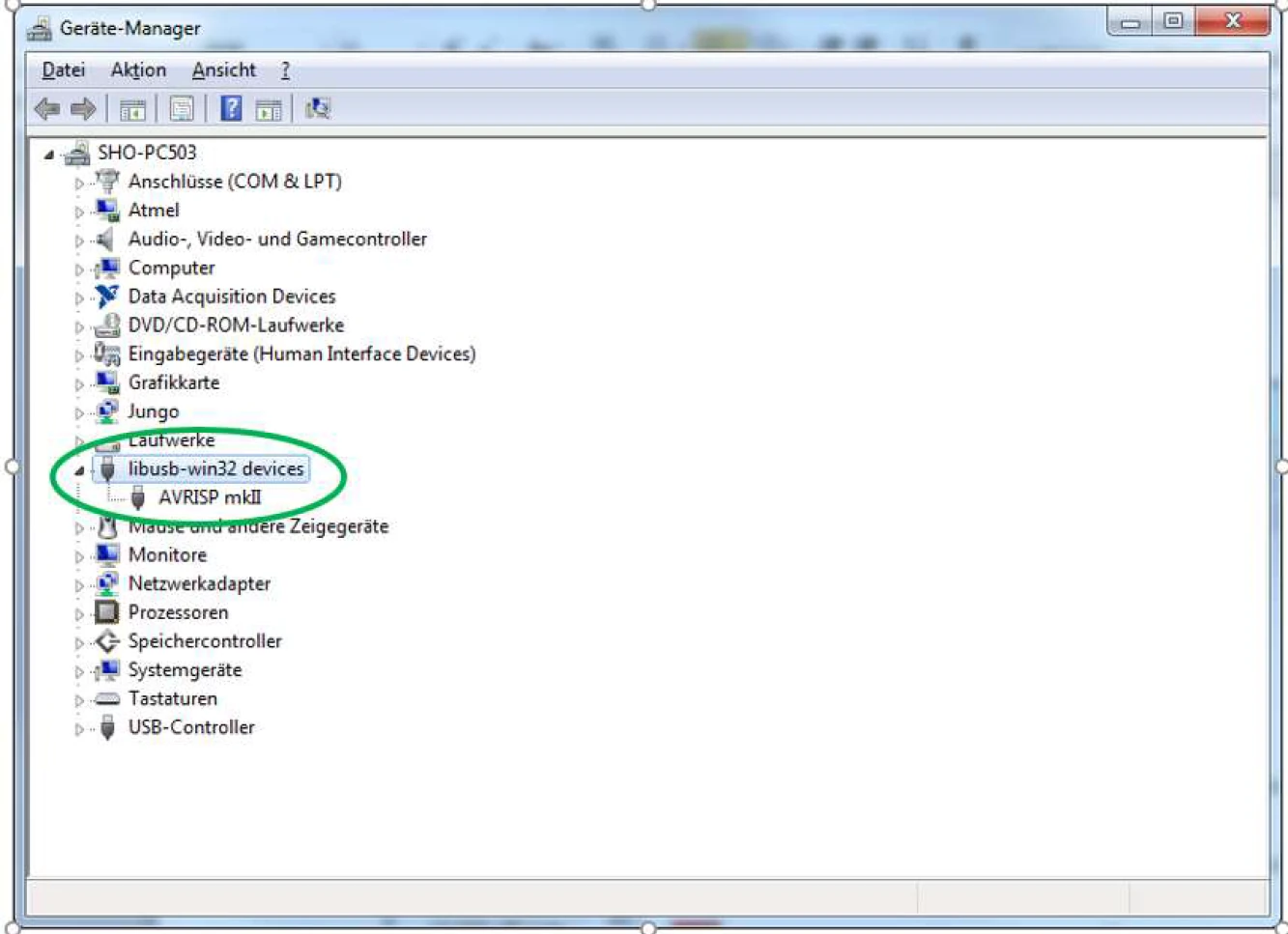
Connect the AVRISP mkII hardware to the computer
-
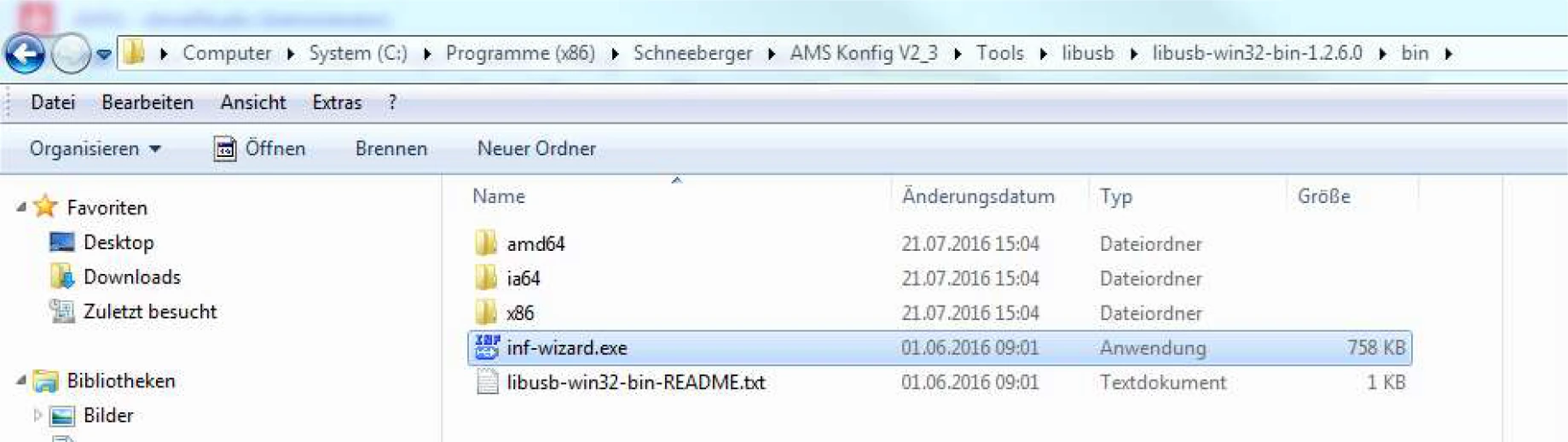
Double-click inf-wizard.exe
-
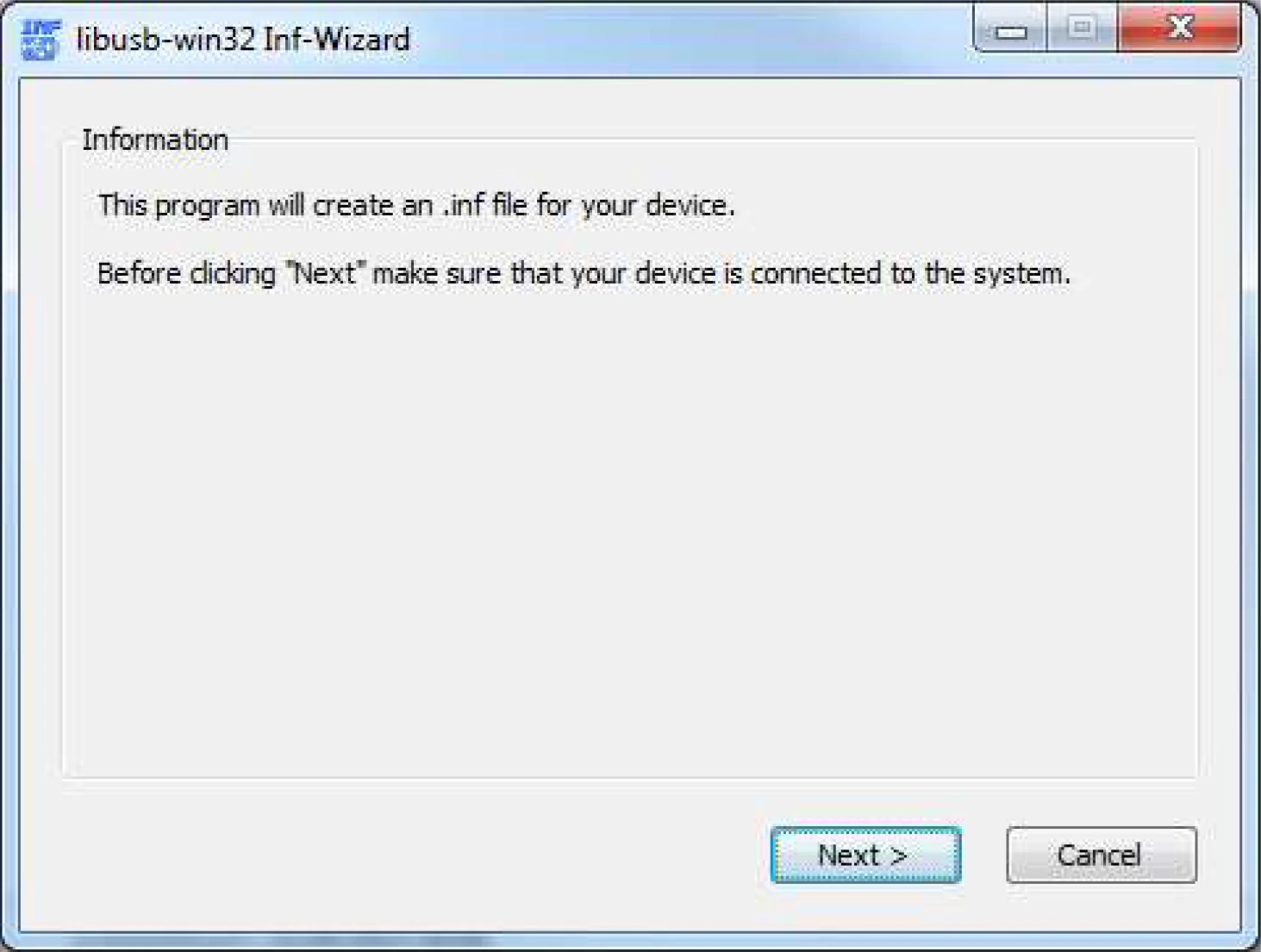
Click Next
-
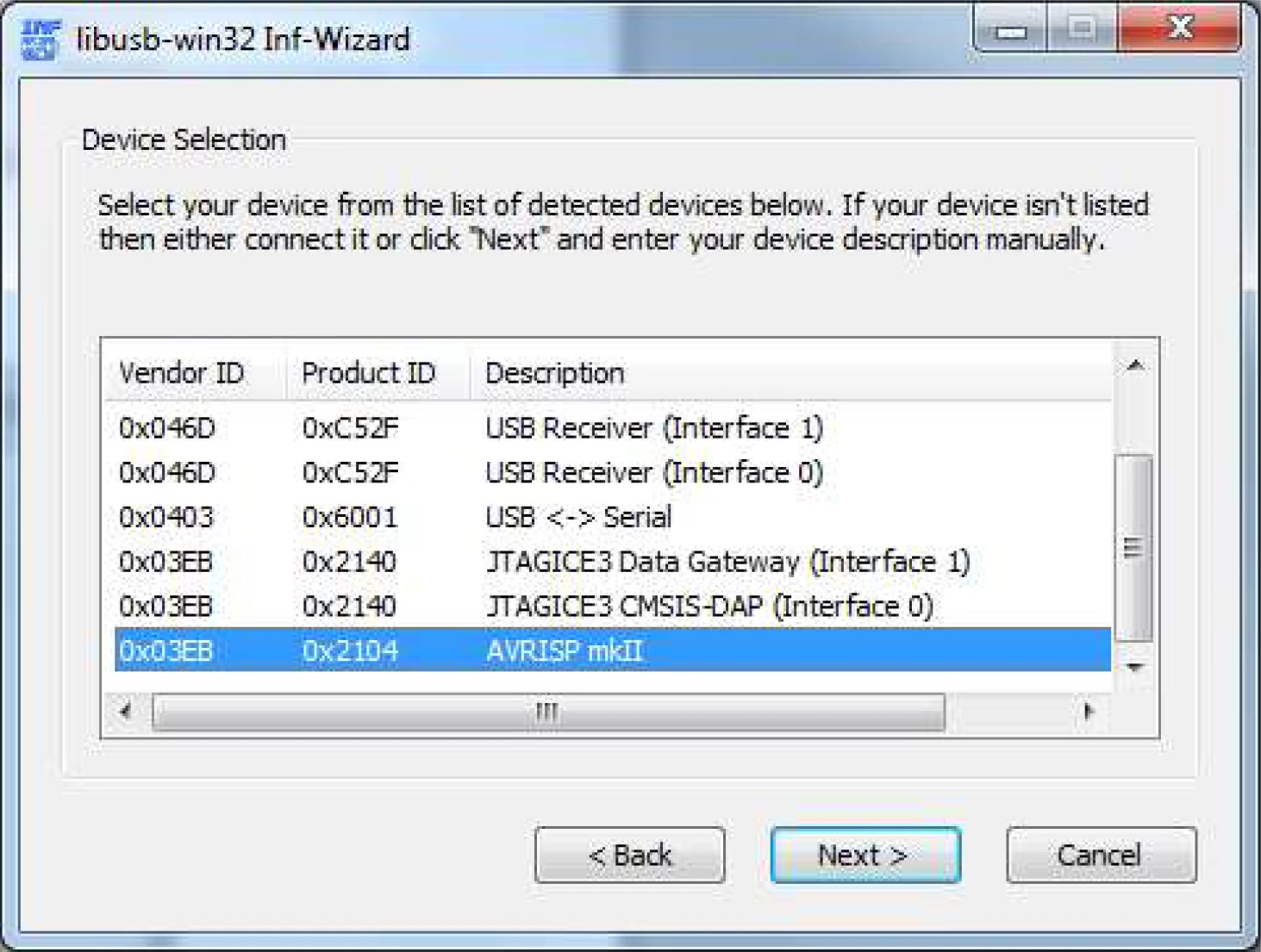
Select AVRISP mkII and click Next
-
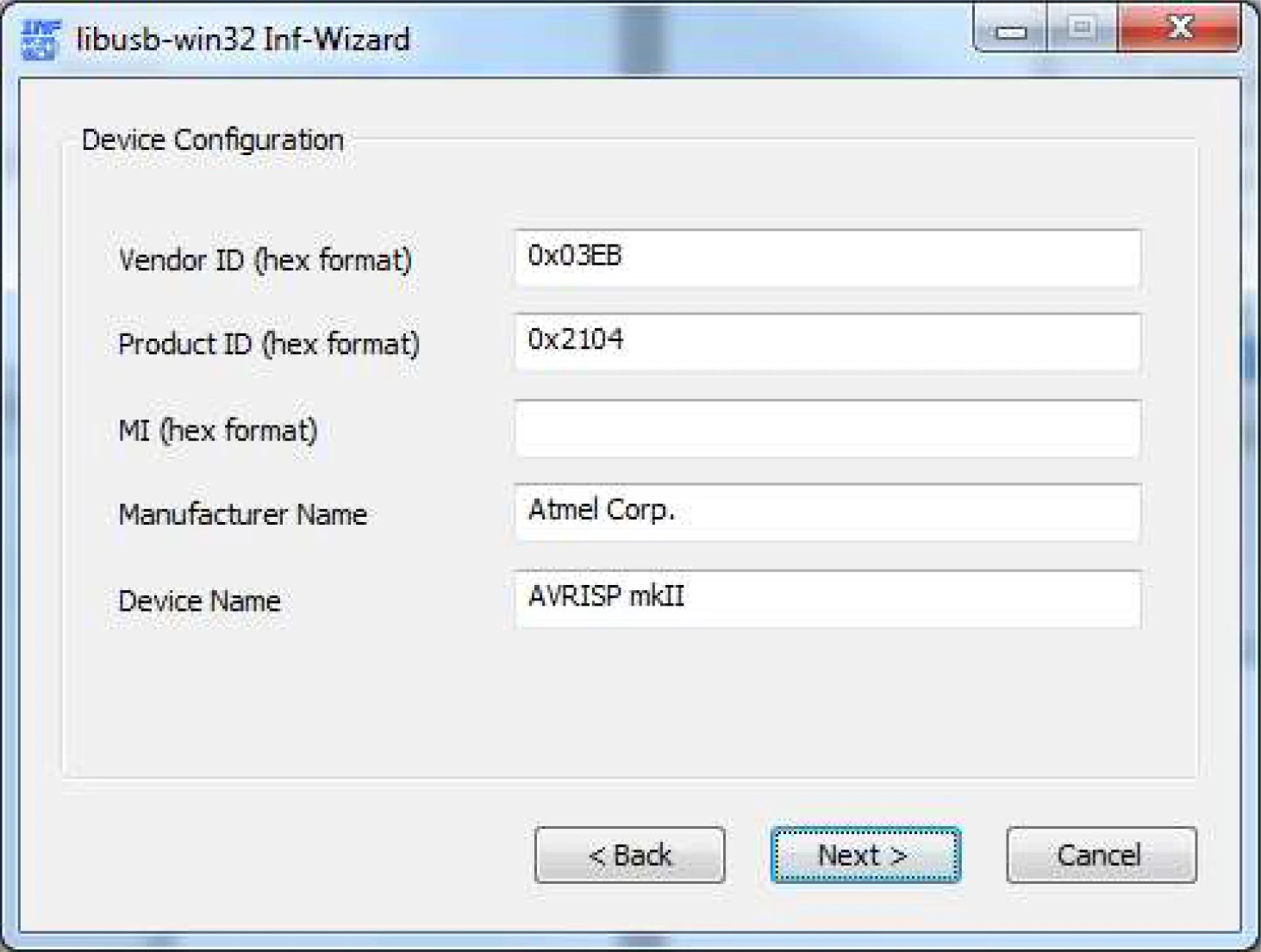
Confirm the information and click Next
-
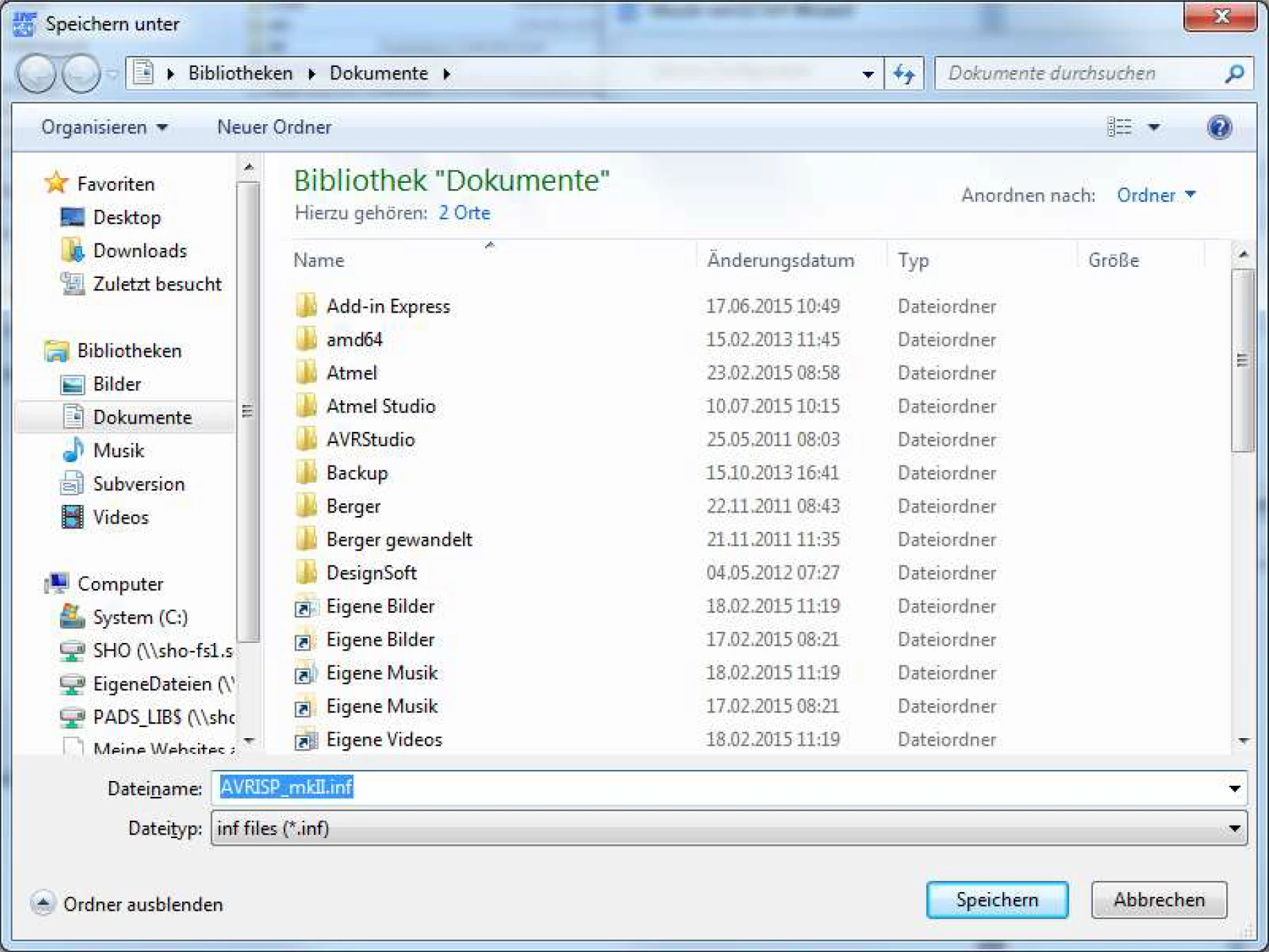
Save AVRISP_mkII.inf
-
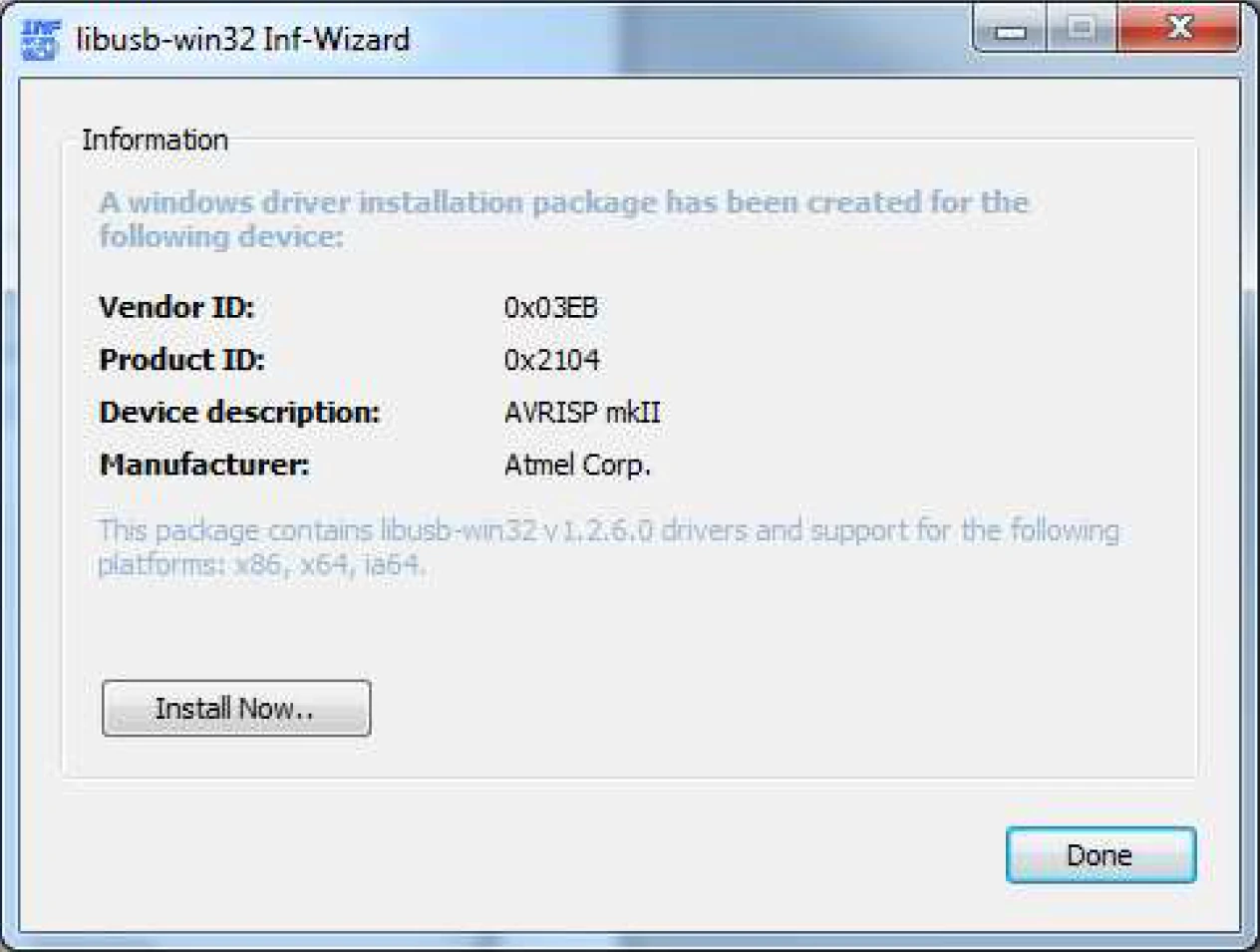
Click Install Now
-
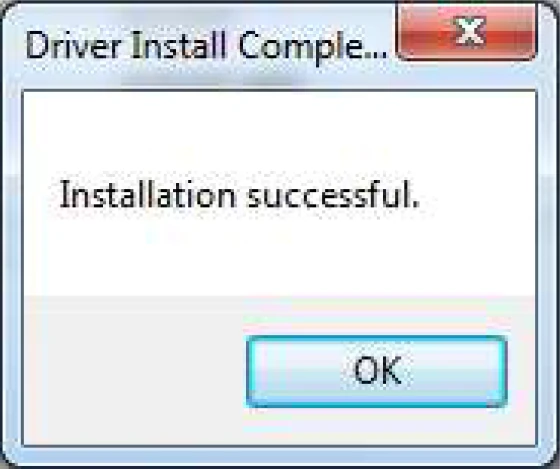
Press OK
Check Hardware